Rabbit holes & refocusing
Ugh, over five weeks since the last update. Not for lack of thinking about it. Just no progress on the RTS.
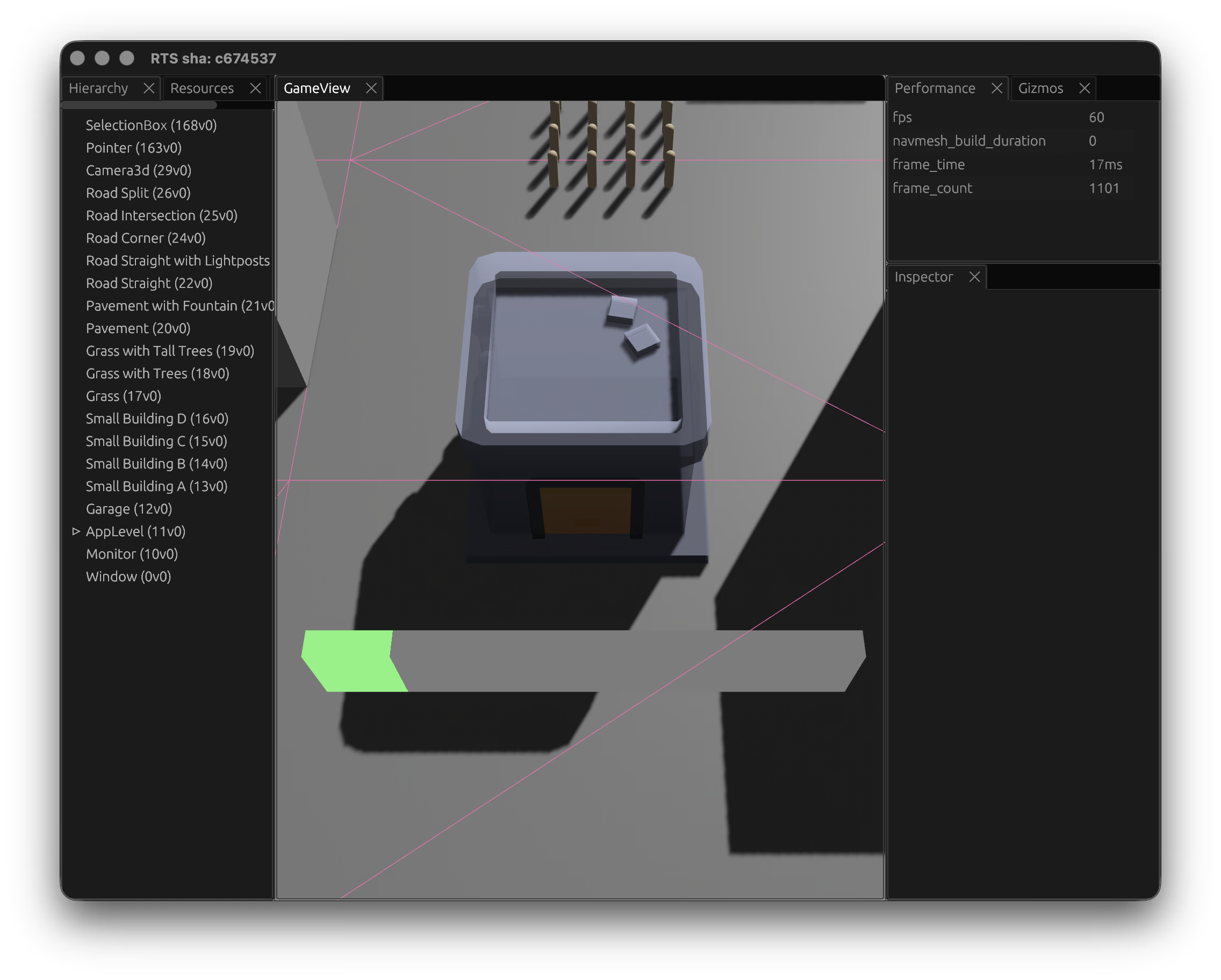
After getting the trait and buff systems in, I started thinking about how the map or level system might scale out. Given an RTS relies on maps, a map editor felt needed. The game needed proper authored levels, and placing things in RON files wasn't going to scale. So I went looking at how other games solve this.
First stop was Hammer and TrenchBroom -- the Quake/Source-lineage editors. They're great at what they do, but they're built around brush-based BSP geometry, which isn't really what an RTS needs. I looked at how they handle entity placement and terrain, but the mapping from "place brushes in 3D" to "place buildings and units on a navmesh" didn't feel right. Having said that the community around these editors is astounding. bevy_trenchbroom seemed like an interesting library to explore more, but not for this project.
From there I looked at other engines. Godot's editor is impressive and its scene system is flexible. Unity's tooling is polished also. I looked through demos and tutorials, and toyed with the idea of building out a map editor within my game, but quickly realised this was a gigantic undertaking. I spent a while thinking about whether you could build a level editor as a Blender plugin, exporting scenes to RON or glTF, since Blender's already good at placing objects in 3D space.
Then I found skein, which might just fit the bill. It lets you edit Bevy scenes directly in Blender, round-tripping data between the two. It was early but it felt closer to the right shape of solution. With Blender installed I started working through various tutorials to get more comfortable before committing to a pipeline.
But I also took this time to step back a little. I'd been building systems - traits, buffs, construction, animations, pathfinding - without ever finishing a playable thing. I needed to land a simple game to scratch that itch. Aside from building games I also spent a lot of time in the world of CSS. As part of this I wrote a long post about CSS colour precision, and decided to take a break from the RTS and refocus on smaller, shippable games. I needed something for readers of "Too Much Color" to viscerally feel the difference, the interactive demos in the post were interesting but I wanted something more fun, so I iterated on a prototype game.
The first iteration was more interactive: two different colours, side-by-side, drag one colour to match the other. It didn't quite hit the mark, which taught me a valuable lesson: iterating on something playable as early as possible can help establish if the core gameplay loop is actually right. What I ended up with was something more subtle: What's My JND -- two adjacent colours in a sharp gradient, where the goal is to click the transition point. Over a pint with my colleague Jake, he suggested 9 colours where 1 is different could be a good gameplay mode, so that evening I iterated on a hard mode variant that removes the gradient crutch. These were fun to build, satisfying to ship, and a good reminder of what "done" feels like.
The original game has received over 4 million hits in 2 weeks, hit the hackernews front-page, made it onto Tom Scott's newsletter, and had some copycats, which all feels like as good a metric of success as any.
The RTS isn't abandoned. But I want to come back to it with better instincts about scoping and finishing, and maybe a clearer picture of what the minimum playable version actually looks like.